
- Help Desk vs. Service Desk: a quick comparison
- What role does a Help Desk play?
- What role does a Service Desk play?
- Key differences between a Help Desk and a Service Desk
- When does a company need a Help Desk or a Service Desk?
- Can a single platform cover both Help Desk and Service Desk needs?
- Frequently asked questions about the differences between a Help Desk and a Service Desk
- Conclusion
A Help Desk focuses on handling and resolving users’ incidents, inquiries and requests, while a Service Desk places that support within broader service management, incorporating processes such as request, asset, change and service level management, as well as continual improvement.
This evolution reflects different ways of understanding support and the role a support center plays in delivering the experience an organization wants to offer its users.
Help Desk vs. Service Desk: a quick comparison
Although both models aim to improve user support, a Help Desk and a Service Desk meet different needs. The former is more focused on organizing and resolving day-to-day support, while the latter broadens that scope to place support within a more comprehensive approach to service management.
| Aspect | Help Desk | Service Desk |
|---|---|---|
| Main goal | Resolve and organize incidents, inquiries and requests | Manage services comprehensively |
| Scope | Day-to-day support | Broader service management |
| Typical processes | Tickets, incidents and inquiries | Incidents, requests, changes, assets and SLAs |
| Focus | Mainly operational | Operational and strategic |
| Relationship with ITSM | Can be part of an ITSM strategy | Usually more directly integrated into ITSM |
| Best suited when | Support needs to be organized and streamlined | More complex services and processes are management |
The difference, therefore, lies not only in the features available, but in how far each model extends within the organization and the level of management it needs to apply to its services.
What’s more, a Help Desk and a Service Desk don’t have to be seen as mutually exclusive models. An organization can start by structuring its support through a Help Desk and gradually expand its processes as it needs greater control over services, assets, changes or service levels.
What role does a Help Desk play?
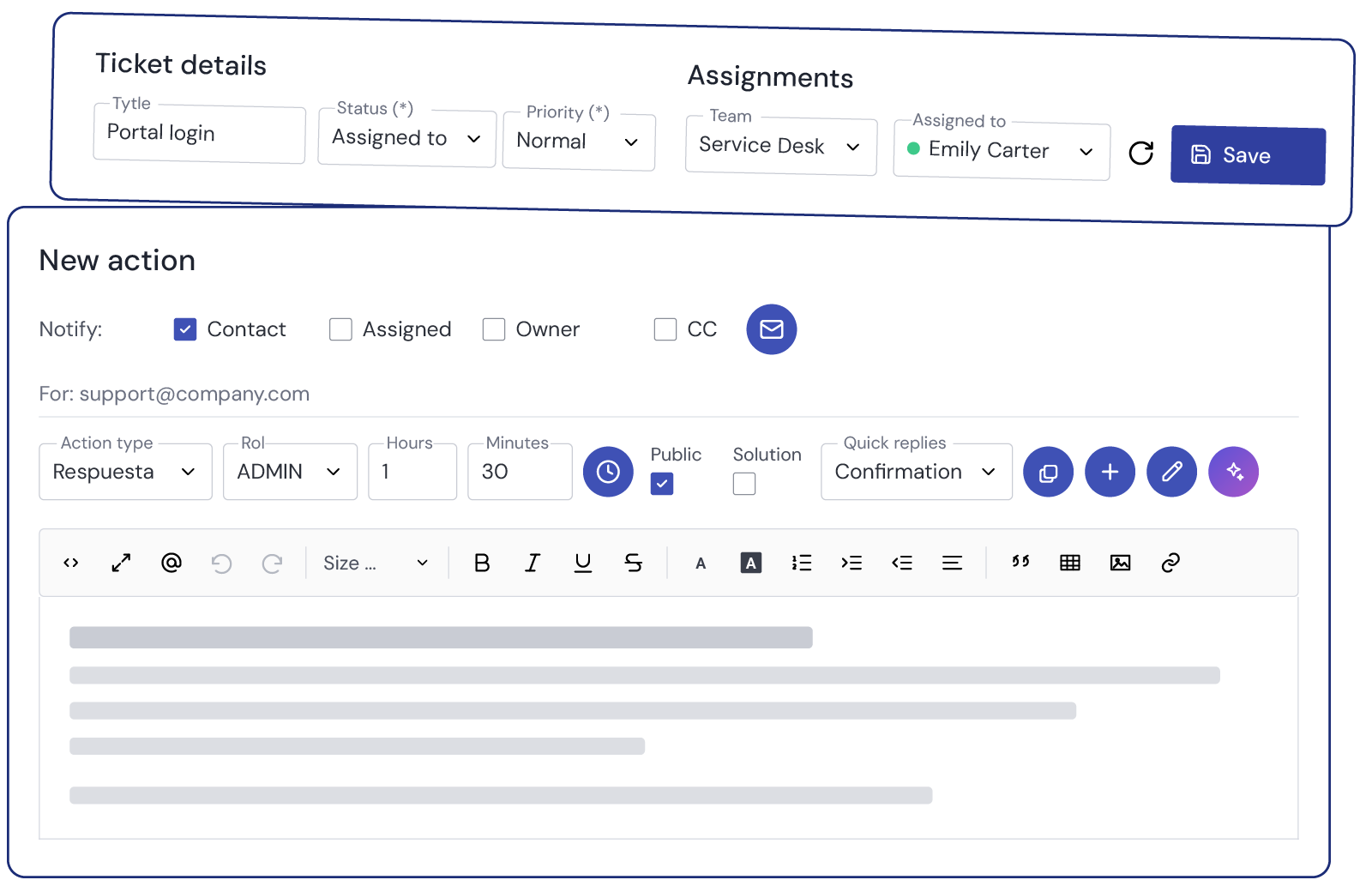
A Help Desk focuses on organizing day-to-day user support and resolving incidents, inquiries and requests quickly. Its main function is to log each request, set its priority, assign it to the right agent or team and track it through to resolution.
In this model, the ticketing system, traceability and coordination of the support team play an especially important role when the volume of requests grows or several agents are involved.
To learn more about how it’s defined, how it works and its benefits, see what is a Help Desk.
What role does a Service Desk play?
A Service Desk broadens the scope of support and places it within more comprehensive service management. In addition to handling incidents and requests, it can coordinate processes related to changes, assets, service levels, the service catalog and continual improvement.
Its goal isn’t only to resolve a specific request, but to connect user support with the quality, continuity and evolution of the services the organization provides.
For a closer look at the concept, see what a Service Desk is.
Key differences between a Help Desk and a Service Desk
Beyond their definitions, the difference between the two models is easier to understand when you compare the goals they pursue, the processes they cover and the level of management the organization needs.
Differences in goals
A Help Desk is mainly focused on meeting users’ immediate needs and keeping their work running smoothly. Its priority is to ensure that incidents, inquiries and requests are handled quickly, in an orderly way and with full traceability.
A Service Desk pursues a broader goal: integrating that support into service management, linking day-to-day support with the quality, continuity and evolution of the organization’s services.
Differences in scope
A Help Desk concentrates on activities such as receiving requests, logging tickets, prioritization, assignment and resolution.
A Service Desk broadens this scope and incorporates processes such as request, asset, change, problem and service level management, as well as the service catalog.
In both models, incident management plays an important role, although in a Service Desk it is usually integrated into a broader management structure.
Differences in approach
A Help Desk takes a mainly operational, resolution-focused approach, while a Service Desk adds a more cross-functional and strategic perspective.
This doesn’t mean that a Help Desk is purely reactive or that a Service Desk is only proactive. Both can incorporate automation, knowledge management and tracking, but a Service Desk usually includes more processes related to the planning, control and evolution of services.
This difference also affects how decisions are made. In a Help Desk, analysis usually focuses on how to improve support and resolve requests more efficiently. In a Service Desk, that information can also be used to review processes, identify risks, prioritize improvements and make decisions about how services work as a whole.
Relationship with ITSM
A Help Desk can be part of an ITSM strategy, especially when support is integrated with other management processes.
A Service Desk is usually more directly integrated into IT service management (ITSM), as it connects day-to-day support with other practices aimed at managing and improving the service lifecycle.
Differences in metrics
In a Help Desk, indicators such as the following tend to be especially relevant:
- Ticket volume.
- First response time.
- Resolution time.
- Pending requests.
- User satisfaction.
In a Service Desk, in addition to these metrics, organizations can analyze indicators related to SLA compliance, availability, service quality, user experience and continual improvement.
In short, a Help Desk organizes and optimizes support, while a Service Desk broadens that support and connects it with more comprehensive service management.
When does a company need a Help Desk or a Service Desk?
The choice between a Help Desk and a Service Desk depends less on the size of the company than on the scope of the processes it needs to manage.
A Help Desk may be enough when the organization needs to:
- Centralize incidents, inquiries and requests.
- Organize support through a ticketing system.
- Improve how requests are assigned and tracked.
- Reduce response and resolution times.
- Manage day-to-day support without yet adding more complex ITSM processes.
A Service Desk may be a better fit when the organization needs to:
- Manage multiple services or departments.
- Work with service level agreements (SLAs).
- Incorporate a service catalog and approval workflows.
- Manage assets, changes or problems.
- Link support to broader business goals.
- Integrate user support into a service management strategy.
The decision shouldn’t be based solely on whether a company is small or large, but on which processes it needs to control, what level of traceability it requires and how far it wants to develop its service management.
Nor is it necessary to implement all the processes associated with a Service Desk from the outset. In many cases, it’s more efficient to start by covering the most pressing support needs and add new capabilities as services become more complex and the organization matures.
Can a single platform cover both Help Desk and Service Desk needs?
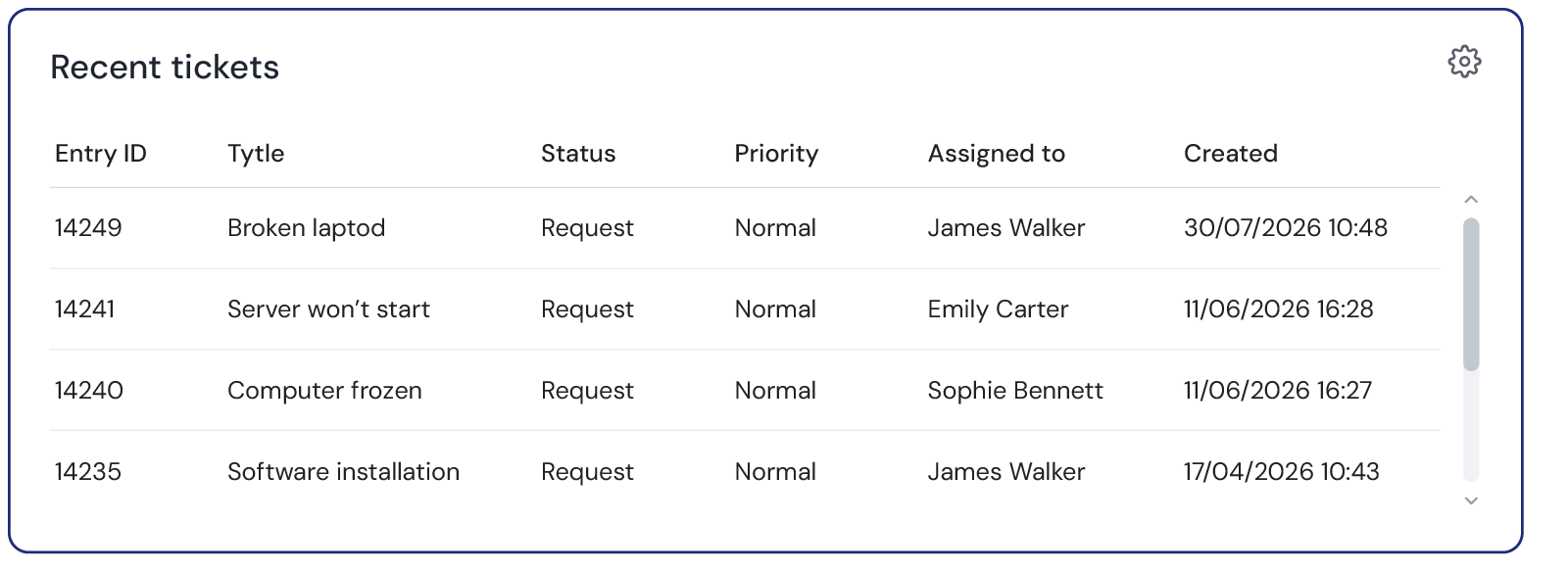
ServiceTonic can be used to centralize day-to-day support and gradually extend management to more comprehensive Service Desk processes.
The platform lets you start with support and ticket management and, as the organization’s needs evolve, add processes such as SLAs, asset, problem and change management, the service catalog and workflows.
If your goal is to centralize and organize day-to-day support, take a look at our Help Desk software.
This flexibility allows your management model to evolve without having to switch platforms as your services become more complex.
Frequently asked questions about the differences between a Help Desk and a Service Desk
What is the main difference between a Help Desk and a Service Desk?
The main difference lies in scope. A Help Desk focuses on organizing and resolving user requests, while a Service Desk integrates that support into broader service management.
Can a Help Desk evolve into a Service Desk?
Yes. An organization can start by managing its support through a Help Desk and gradually add processes such as SLAs, asset, change and problem management, or a service catalog.
Do both a Help Desk and a Service Desk use a ticketing system?
Yes. Both can use tickets to log, assign and track requests. The difference lies in the scope of the processes managed around those tickets.
Can a Help Desk be part of an ITSM strategy?
Yes. A Help Desk can be integrated into an ITSM strategy, especially when it connects with incident, request, knowledge or service level management processes. A Service Desk usually takes on a broader scope within that management.
Can a single tool work as both a Help Desk and a Service Desk?
Yes. A configurable platform can initially be used to organize incidents and tickets and later extend its scope with more advanced service management processes.
Conclusion
The choice between a Help Desk and a Service Desk depends on the level of management each organization needs. While a Help Desk organizes and streamlines day-to-day support, a Service Desk broadens that scope to integrate more complex processes and services.
Want to organize and expand your support management with ServiceTonic? Discover ServiceTonic or request a personalized demo.
Further reading